
Let’s be real, cracking your iPhone screen is one of those gut-punch moments we’ve all experienced. That sickening sound of glass meeting concrete? The slow-motion fumble off the nightstand? Yeah, it’s the worst. And the very first thing that crosses your mind isn’t “Oh no, my beautiful phone!” It’s “How much does this iPhone Screen repair cost me?”
The good news? You’ve got options. The bad news? iPhone screen repair costs can range from as little as $29 with AppleCare+ to well over $379 for the latest Pro Max models without coverage. That’s a massive range! The price you’ll pay depends on your iPhone model, where you go for the repair, and whether you have any kind of protection plan. For a detailed look at newer models specifically, check out this breakdown of iPhone 15 and 16 screen repair costs.
In this guide, I’m covering everything: Apple’s official pricing, third-party repair shop rates, DIY options, insurance claims, and real tips to save serious money. Whether you’re rocking a brand-new iPhone 16 Pro Max or still holding strong with your trusty iPhone 11, this article has you covered. Let’s dive in!
Apple Official iPhone Screen Repair Pricing by Model (2026 Updated Rates)
If you want guaranteed quality and peace of mind, Apple’s official repair service is the gold standard. Every replacement uses genuine Apple parts, preserves your warranty, and maintains features like True Tone and water resistance. But that quality comes at a price.
Here’s what Apple currently charges for out-of-warranty screen repairs:
| iPhone Model | Out-of-Warranty | AppleCare+ | Display Type |
| iPhone 16 Pro Max | $379 | $29 | OLED |
| iPhone 16 Pro | $329 | $29 | OLED |
| iPhone 16 Plus | $309 | $29 | OLED |
| iPhone 16 | $279 | $29 | OLED |
| iPhone 16e | $199 | $29 | OLED |
| iPhone 15 Pro Max | $379 | $29 | OLED |
| iPhone 15 Pro | $329 | $29 | OLED |
| iPhone 15 Plus | $279 | $29 | OLED |
| iPhone 15 | $279 | $29 | OLED |
| iPhone 14 Pro Max | $379 | $29 | OLED |
| iPhone 14 Pro | $329 | $29 | OLED |
| iPhone 14 Plus | $279 | $29 | OLED |
| iPhone 14 | $279 | $29 | OLED |
| iPhone 13 Pro Max | $329 | $29 | OLED |
| iPhone 13/13 Pro | $279 | $29 | OLED |
| iPhone 13 Mini | $229 | $29 | OLED |
| iPhone 12 series | $199–$329 | $29 | OLED |
| iPhone 11 series | $199–$329 | $29 | LCD/OLED |
| iPhone SE (3rd gen) | $179 | $29 | LCD |
A few things to notice here. The cost scales directly with screen size and display technology. Pro Max models with their larger OLED panels consistently sit at the top of the pricing tier. Meanwhile, older models and the iPhone SE offer considerably cheaper repairs.
Also worth noting: Apple’s pricing has crept upward over the years. The iPhone 16 Pro Max screen repair is $50 more than the equivalent iPhone 12 Pro Max was at launch. Display technology has advanced significantly, but so has the repair bill. If you’re not sure whether you need a full screen replacement or just the glass, this guide on iPhone screen repair vs. glass replacement explains the difference.
Turnaround time at an Apple Store is typically the same day if you make a Genius Bar appointment and parts are in stock. Mail-in repairs through Apple’s online service usually take 3–5 business days plus shipping time.
Is AppleCare+ Worth It for Screen Protection?
AppleCare+ is Apple’s extended warranty and accidental damage protection plan. The headline benefit for our purposes? Screen repairs drop to a flat $29 regardless of which iPhone model you own. That’s a huge deal when you consider the out-of-warranty prices above.
But is it actually worth the money? Let’s break it down.
AppleCare+ Pricing
AppleCare+ costs vary by model. For the iPhone 16 lineup, you’re looking at $9.99/month (or $199 for two years) for the standard plan. The iPhone 16 Pro models run $10.99/month ($219 for two years). AppleCare+ with Theft and Loss adds a few dollars per month.
The Math: Does It Save You Money?
Let’s say you have an iPhone 16 Pro Max and you crack the screen once during your ownership. Without AppleCare+, that’s a $379 repair. With AppleCare+ at $10.99/month over two years, you’ve paid $263.76 in premiums plus the $29 deductible—totaling $292.76. That’s a savings of about $86.
If you crack it twice? Now you’re saving over $400. AppleCare+ allows unlimited accidental damage incidents for a $29 service fee each time.
However, if you’re careful with your phone and you’ve gone years without a cracked screen, AppleCare+ might not make financial sense. You’re essentially paying $200+ for insurance you may never use.
When AppleCare+ Makes Sense
- You’re accident-prone or work in environments where drops are common
- You own a Pro Max model where out-of-warranty repair exceeds $329
- You want coverage for other accidental damage (back glass, water damage) too
- You want peace of mind and predictable costs
When It Doesn’t
- You use a quality case and screen protector and rarely drop your phone
- You own an older or less expensive model (SE, iPhone 14, etc.)
- You’re comfortable using third-party repair shops for cheaper fixes
Third-Party iPhone Screen Repair Costs: How Much Can You Save?
Here’s where things get interesting. Third-party repair shops can save you anywhere from 20% to 60% compared to Apple’s prices—and many of them do excellent work. If you’re looking for affordable screen repair near you, third-party shops are definitely worth considering.
Average Third-Party Repair Costs
Prices vary by region and shop, but here are typical ranges you can expect:
| iPhone Model | Third-Party Range | Apple Price |
| iPhone 16 Pro Max | $220–$300 | $379 |
| iPhone 16 Pro | $180–$260 | $329 |
| iPhone 16/16 Plus | $150–$240 | $279–$309 |
| iPhone 15 series | $130–$220 | $279–$379 |
| iPhone 14 series | $100–$200 | $279–$379 |
| iPhone 13 series | $90–$180 | $229–$329 |
| iPhone 12 series | $80–$160 | $199–$329 |
| iPhone 11 series | $70–$140 | $199–$329 |
| iPhone SE | $60–$100 | $179 |
The savings are significant, especially on newer Pro models. A third-party repair on an iPhone 16 Pro Max can save you $80–$160 compared to Apple.
Popular Repair Chains
National chains like uBreakiFix by Asurion, Batteries Plus, and CPR Cell Phone Repair offer standardized pricing and trained technicians. Many of these shops can complete a screen repair in 30 minutes or less, which is a major convenience advantage over Apple’s mail-in option.
OEM vs. Aftermarket Screens
This is the big trade-off with third-party repair. The screen quality can vary significantly:
- OEM (Original Equipment Manufacturer) screens are made by the same suppliers Apple uses. They’re nearly identical in quality but cost more.
- High-quality aftermarket screens look and feel close to OEM but may have slight color or brightness differences.
- Budget aftermarket screens are cheaper but can have noticeable quality issues—poor color accuracy, lower brightness, reduced touch sensitivity.
Always ask your repair shop what grade of screen they’re using. A reputable shop will be transparent about this.
Risks to Be Aware Of
Third-party repair isn’t without drawbacks. You should know about these potential issues before you commit:
- True Tone may be lost: Unless the shop transfers or reprograms the ambient light sensor, you may lose Apple’s True Tone color adjustment feature.
- Water resistance is compromised: The adhesive seal Apple uses is difficult to replicate perfectly. Your phone may not be as water-resistant after a third-party repair.
- Warranty implications: While Apple can no longer void your entire warranty for a third-party screen repair (thanks to consumer protection laws), they can refuse to service the screen itself if the replacement part causes issues.
- Non-genuine part warnings: You’ll see a notification in Settings saying your screen isn’t a genuine Apple part. This is cosmetic but can bother some people.
DIY iPhone Screen Repair: Costs, Kits, and Is It Worth the Risk?
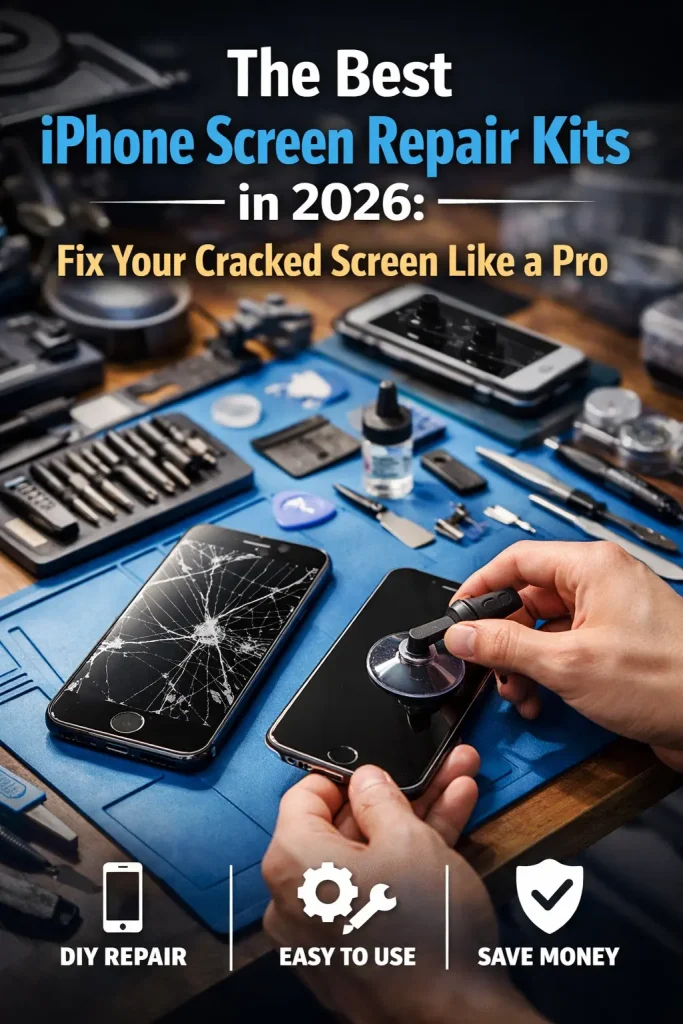
For the hands-on crowd, DIY screen repair is the most budget-friendly option. With the right tools and a good tutorial, you can potentially save hundreds. But fair warning: iPhone screens are not easy to replace, and the stakes are high if something goes wrong. Before attempting this, I’d strongly recommend reading through a thorough iPhone screen repair guide so you know exactly what you’re getting into.
DIY Repair Kit Costs
A complete iPhone screen repair kit typically includes the replacement screen, tools (pentalobe screwdriver, suction cup, spudger, tweezers), and adhesive strips. Here’s what you’ll typically pay:
- iPhone 16 Pro Max: $120–$180 for a quality screen + tools
- iPhone 16/16 Pro: $100–$160
- iPhone 15 series: $80–$140
- iPhone 14 series: $60–$120
- iPhone 13 and older: $40–$100
If you already have the tools from a previous repair, you can save $15–$25 by buying just the screen.
Apple’s Self-Service Repair Program
Apple launched its Self Service Repair program to give consumers access to genuine Apple parts and specialized tools. It’s a great concept, but there are some quirks:
- You can rent Apple’s professional tool kit for $49 (shipped to you for 7 days)
- Genuine Apple replacement screens cost close to Apple’s own repair prices
- The process requires you to run Apple’s diagnostic software after installation
- It’s best for people who want genuine parts but prefer to do the work themselves
The catch? The screen parts alone often cost nearly as much as having Apple do the whole repair. The real savings here come if you’re doing multiple repairs or value the learning experience.
Common DIY Mistakes to Avoid
- Tearing the display flex cables by prying too aggressively
- Forgetting to disconnect the battery before starting—this can short-circuit components
- Using too much heat on the adhesive and damaging the OLED panel
- Not transferring the earpiece speaker, front camera, and sensor assembly to the new screen
- Over-tightening screws (they’re tiny and strip easily)
- Skipping the adhesive seal, which leaves your phone vulnerable to dust and moisture
Bottom line: DIY repair can save you $100–$200, but it’s best suited for older models with more repair-friendly designs. If you have an iPhone 14 or newer with its more complex internal layout, think carefully before attempting this yourself.
7 Factors That Affect Your iPhone Screen Repair Cost
Not all screen repairs cost the same—not even close. Here are the seven biggest variables that determine what you’ll actually pay:
1. iPhone Model and Generation
This is the single biggest cost factor. Newer models with larger screens and advanced display technology simply cost more to repair. An iPhone SE screen repair might run $60 at a third-party shop; an iPhone 16 Pro Max could be $300+ at the same place.
2. Type of Damage
There’s a meaningful difference between a cracked glass overlay and actual display damage. If your screen is cracked but still displays images normally and responds to touch, you might qualify for a glass-only repair at some shops, which is cheaper. If you see dead pixels, color distortion, or unresponsive touch areas, the full OLED/LCD panel needs replacement. Learn more about the difference in this guide on iPhone screen repair vs. glass replacement.
3. Screen Technology
OLED displays (Super Retina XDR) cost significantly more to replace than LCD screens (Liquid Retina). The iPhone SE and iPhone 11 use LCD, while the iPhone 12 and newer use OLED across the lineup.
4. Geographic Location
Repair costs vary by city and region. Urban areas with higher rent and labor costs tend to charge more. A screen repair in Manhattan will likely cost 20–30% more than the same repair in a mid-sized city.
5. Repair Provider
Apple charges the most but guarantees quality and preserves your warranty. Third-party shops offer competitive pricing with varying quality. DIY is the cheapest but carries the most risk.
6. Insurance or Protection Plans
If you have AppleCare+, carrier insurance, or credit card purchase protection, your effective cost drops dramatically. We’ll cover insurance options in detail below.
7. Additional Damage
If the drop that cracked your screen also bent the frame, damaged internal components, or broke the back glass, your repair bill goes up. Technicians may discover hidden damage once they open up the phone, so always ask about the possibility of additional costs before authorizing the repair.
Carrier Insurance and Third-Party Protection Plans for Screen Damage
Beyond AppleCare+, there are other insurance options worth knowing about. Carrier insurance is the most common, but third-party plans can also offer great value.
Carrier Insurance Breakdown
| Carrier | Monthly Cost | Screen Deductible | Provider |
| Verizon | $14–$17/mo | $29 | Asurion |
| AT&T | $14–$17/mo | $29 | Asurion |
| T-Mobile | $7–$18/mo | $29 | Asurion |
The good news is that most carrier plans now offer a $29 screen repair deductible through Asurion—matching AppleCare+. But the monthly premiums are often higher, and the plans are designed to cover more than just screens (theft, loss, full device damage).
Third-Party Insurance Options
Asurion standalone plans (not through a carrier) start around $8–$12/month. SquareTrade by Allstate offers plans starting at $7/month with $49–$99 deductibles for screen repair. Upsie is another popular option, typically charging a one-time fee of $60–$100 for two years of coverage.
When comparing options, always look at the total cost of ownership: monthly premiums multiplied by your expected coverage period, plus the deductible. Then compare that to the cost of a single out-of-pocket repair.
10 Smart Ways to Save Money on iPhone Screen Repair
You don’t have to pay full price. Here are my top ten strategies to keep more cash in your pocket:
- Check your credit card benefits. Many Visa Signature, Mastercard World, and American Express cards include cell phone protection if you pay your monthly phone bill with the card. This can cover screen repairs with deductibles as low as $25.
- Get at least three quotes. Prices can vary dramatically between repair shops, even in the same neighborhood. Spend 15 minutes calling around before committing.
- Ask about price matching. Many authorized service providers and chain repair shops will match a competitor’s quoted price. You just have to ask.
- Look for seasonal promotions. Repair shops often run deals around back-to-school season, Black Friday, and the post-holiday period when broken screens spike.
- Consider a refurbished screen for older models. If you have an iPhone 12 or older, a quality refurbished screen can cost 30–50% less than a brand-new aftermarket panel.
- Use Apple’s trade-in program strategically. If the repair cost approaches or exceeds 50% of your phone’s current value, trading it in toward a new or refurbished device might make more financial sense.
- Invest in prevention. A $10 tempered glass screen protector and a $30 case are a lot cheaper than any repair. Think of them as insurance that actually prevents the damage.
- Check for local repair school programs. Some community colleges and vocational schools offer discounted phone repairs done by students under supervision.
- Know your Right to Repair options. Depending on your state, Right to Repair legislation may give you access to cheaper parts and more repair shop competition.
- Negotiate. Independent repair shops have pricing flexibility that chains don’t. If you’re polite and mention a competitor’s lower price, many shops will work with you.
Should You Repair Your iPhone Screen or Just Buy a New Phone?
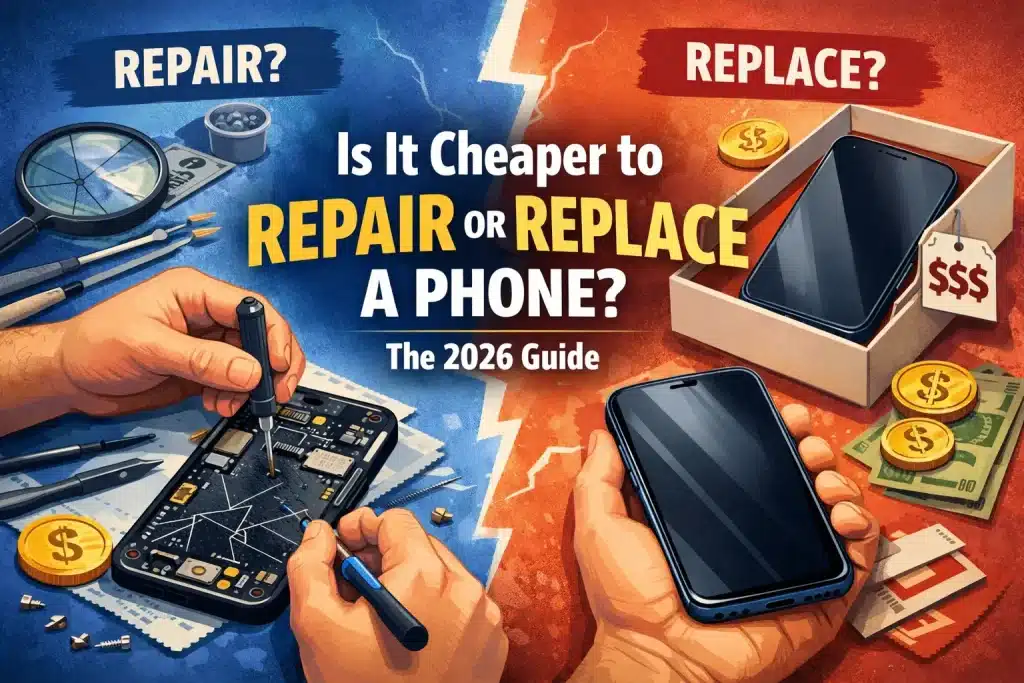
This is the million-dollar question (well, hopefully not quite that much). Sometimes a screen repair makes perfect sense. Other times, you’re better off putting that money toward a replacement. For a deeper dive on this exact topic, check out this helpful article: Is it cheaper to repair or replace a phone?
The 50% Rule
Here’s a simple framework: if the screen repair costs more than 50% of your phone’s current market value, it’s generally better to replace. For example, if your iPhone 12 is worth $200 on the used market and Apple wants $199 for the screen repair, that’s right at the edge. Factor in the age of the battery and any other wear, and replacement probably wins.
Current Trade-In Values (Approximate)
To help you decide, here are rough trade-in values for popular models in good working condition:
- iPhone 16 Pro Max: $550–$700
- iPhone 16 Pro: $450–$600
- iPhone 15 Pro Max: $400–$550
- iPhone 15: $280–$380
- iPhone 14: $200–$300
- iPhone 13: $150–$250
- iPhone 12: $100–$180
- iPhone 11: $75–$130
Keep in mind that a cracked screen significantly reduces trade-in value, so factor that into your calculation.
Other Factors to Consider
- Battery health: If your battery is below 80% maximum capacity, you’re looking at a battery replacement, too. Multiple repairs add up fast.
- Overall device condition: Dents, scratches, speaker issues, or camera problems all reduce the value proposition of a screen-only repair.
- Environmental impact: Repairing is almost always greener than replacing. If sustainability matters to you, repair wins.
- Upcoming releases: If Apple is about to launch a new iPhone generation and your phone is 2–3 years old, waiting a few weeks and upgrading might be the smarter play.
How to Prevent iPhone Screen Damage in the First Place
The cheapest repair is the one you never need. Here’s how to protect your investment:
Screen Protectors
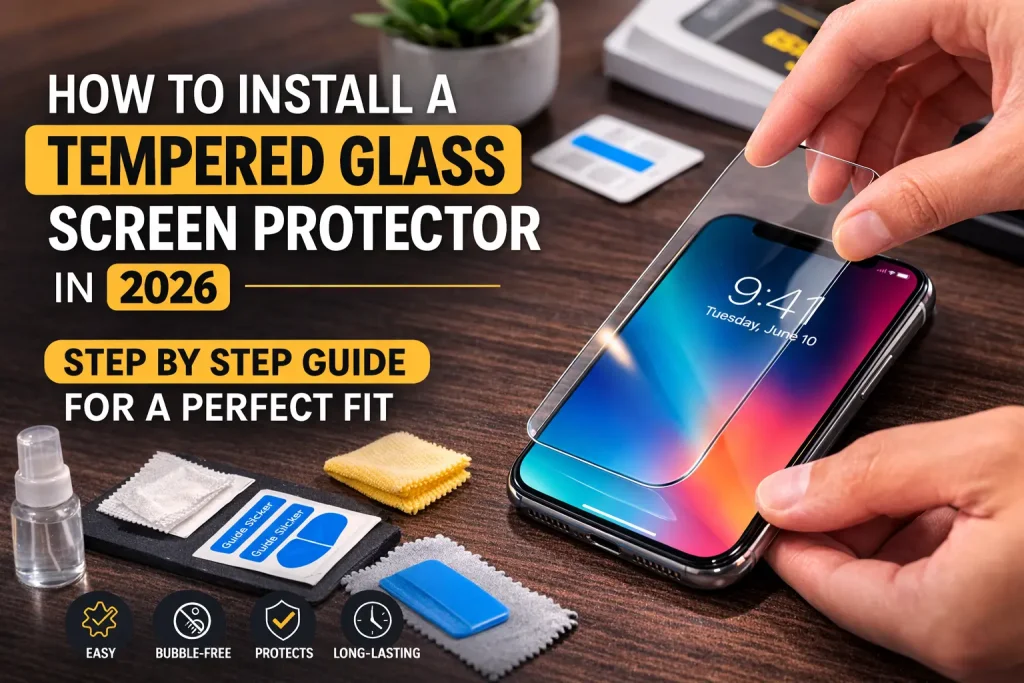
A tempered glass screen protector is the single best investment you can make. Quality options from brands like Spigen, amFilm, and ZAGG cost $8–$15 and absorb impact that would otherwise crack your actual screen. I’ve personally had tempered glass protectors shatter on impact while my screen underneath remained untouched. They work.
Film protectors are thinner and less noticeable but offer minimal drop protection. They’re better for scratch prevention than crack prevention.
Protective Cases
Not all cases are equal. For serious drop protection, look for cases that have been independently drop-tested. Brands like OtterBox, Spigen, and CASETiFY consistently perform well in real-world drop tests. A good case with raised edges (lip around the screen) makes a huge difference.
Ceramic Shield: What It Does and Doesn’t Do
Apple’s Ceramic Shield front cover (introduced with the iPhone 12) is tougher than previous generations of iPhone glass. Apple claims it’s 4x more resistant to drops. And honestly? It’s impressive. But “more resistant” doesn’t mean “invincible.” Ceramic Shield handles low-height drops onto flat surfaces well, but a corner impact onto concrete from pocket height can still crack it.
Everyday Habits That Help
- Never put your phone in the same pocket as keys or coins
- Set your phone screen-down on flat surfaces (the camera bump acts as a tiny stand)
- Use a phone grip or ring holder—most drops happen when we’re trying to juggle too many things
- Avoid using your phone near pool edges, balconies, or other hazardous areas
- Consider a lanyard or phone tether if you’re active or work with your hands
Final Thoughts: Getting the Best Deal on iPhone Screen Repair
At the end of the day, iPhone screen repair costs are all about knowing your options—and you’ve now got the full picture. From Apple’s official pricing and AppleCare+ to third-party shops, DIY kits, and insurance plans, there’s a repair path for every budget and comfort level.
Here’s my biggest piece of advice: don’t panic and don’t rush. That cracked screen isn’t getting worse by taking an extra day to compare prices. Spend 15 minutes getting quotes, check your insurance and credit card benefits, and make an informed decision. A little research now can genuinely save you hundreds of dollars.
If your screen is cracked right now and you’re ready to take action, start by finding affordable screen repair near you or use Apple’s support site to schedule a Genius Bar appointment. Either way, you’ll have your phone looking brand new before you know it.
And please, invest in a good case and screen protector this time around. Your future self (and your wallet) will thank you!